Calendars
Calendar integrations help move revision dates into the tools where your team already plans work. Availability can depend on the current plan.
Google Calendar
After connection, Google Calendar can write revision events into a selected calendar. After authorization, choose where Reviscan should place events:
- an existing calendar in your Google account,
- a dedicated Reviscan calendar created during setup.
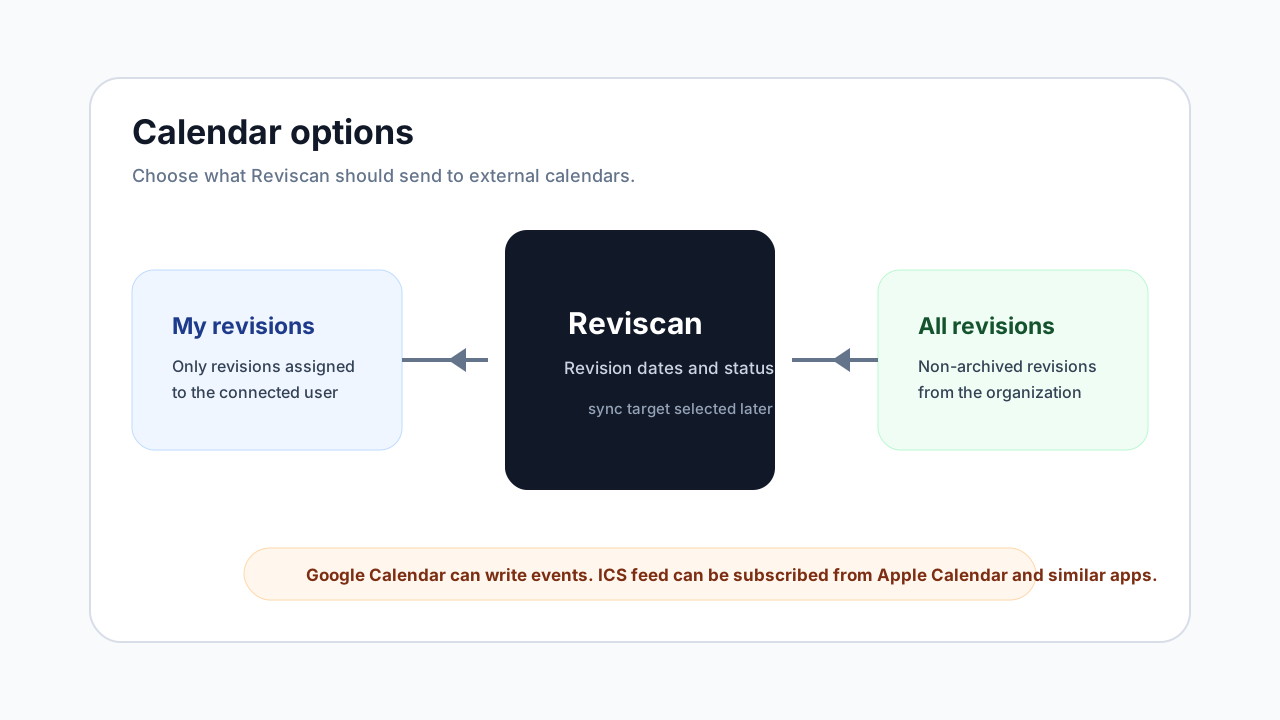
The connection can be personal or organization-wide. A personal connection syncs only revisions assigned to you. An organization connection syncs all non-archived revisions in the organization.
ICS subscription
For Apple Calendar and other apps that support subscribed calendars, Reviscan provides a private ICS URL. The calendar app regularly fetches data from the URL; Reviscan does not actively write events into that app.
The ICS link can be:
- personal, for revisions assigned to you,
- organization-wide, for all non-archived organization revisions.
Which option to choose
Choose Google Calendar if you want active sync into a specific calendar. Choose ICS if you use Apple Calendar or another client that works with subscribed calendars.
Managing connections
In integrations settings, you can change the target calendar, run sync, disconnect the calendar, or revoke a private ICS URL. If a connection requires new authorization, Reviscan shows that in the integration.