What is Reviscan?
Reviscan helps teams manage technical inspections in one place: from project, investor, and device records to revision scheduling, supporting files, and inspection outputs. It is built to keep revision work visible, assigned, and easy to follow across an organization.
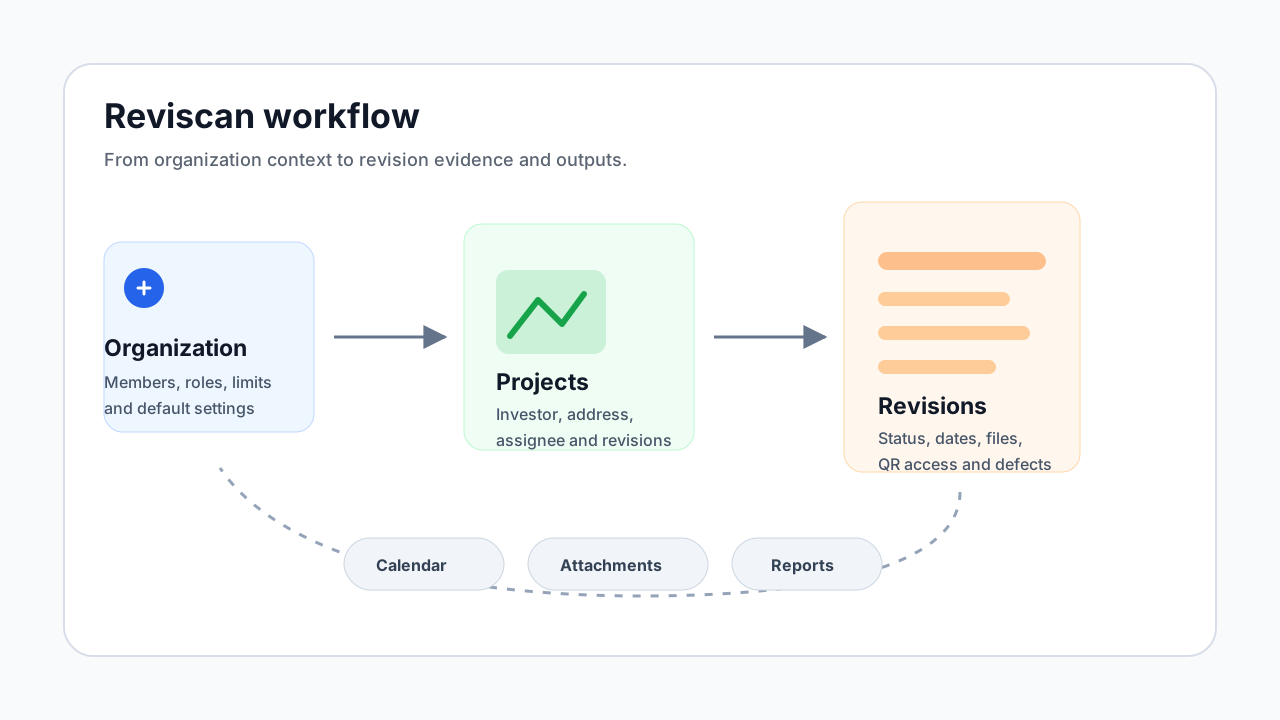
Core model
Reviscan is organized around an organization workspace. Inside the organization, you manage team members, projects, investors, revisions, attachments, and calendar connections. Each revision belongs to a project and carries its own dates, status, device details, assignee, and supporting evidence.
What this documentation covers
- Quick start shows the first steps after signing in.
- Projects explain where investor, address, and revision context lives.
- Revisions cover statuses, attachments, QR labels, defects, and AI reports.
- Revision import explains the CSV and XLSX import workflow.
- Calendars cover Google Calendar and ICS subscriptions.
- Team and limits summarize members, roles, and plan limits.
Who Reviscan is for
Reviscan is most useful for teams handling multiple projects or a larger volume of revisions. It keeps deadlines, responsibilities, files, and outputs together so revision work does not disappear into spreadsheets, email threads, and local folders.